On Sale
-
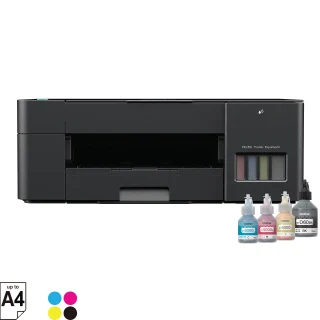 Brother DCP-T220 All-in-One Ink Tank Printer
Original price was: KSh 21,000.KSh 18,500Current price is: KSh 18,500. +VAT
Brother DCP-T220 All-in-One Ink Tank Printer
Original price was: KSh 21,000.KSh 18,500Current price is: KSh 18,500. +VAT
-
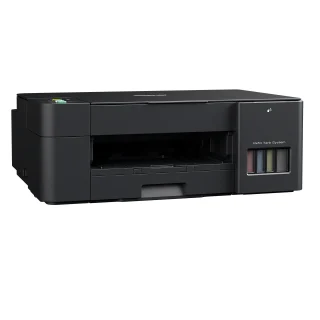 Brother DCP-T420W Wireless Ink Tank Printer
Original price was: KSh 23,500.KSh 20,500Current price is: KSh 20,500. +VAT
Brother DCP-T420W Wireless Ink Tank Printer
Original price was: KSh 23,500.KSh 20,500Current price is: KSh 20,500. +VAT
-
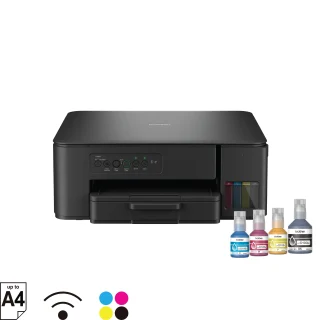 Brother DCP-T430W Multifunction Wi-Fi Ink Tank Printer
Original price was: KSh 26,000.KSh 22,500Current price is: KSh 22,500. +VAT
Brother DCP-T430W Multifunction Wi-Fi Ink Tank Printer
Original price was: KSh 26,000.KSh 22,500Current price is: KSh 22,500. +VAT
-
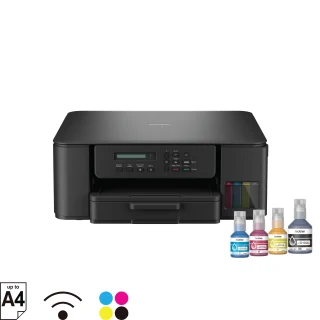 Brother DCP-T530DW Wi-Fi Multifunction ADF Ink Tank Printer
Original price was: KSh 27,000.KSh 24,500Current price is: KSh 24,500. +VAT
Brother DCP-T530DW Wi-Fi Multifunction ADF Ink Tank Printer
Original price was: KSh 27,000.KSh 24,500Current price is: KSh 24,500. +VAT
-
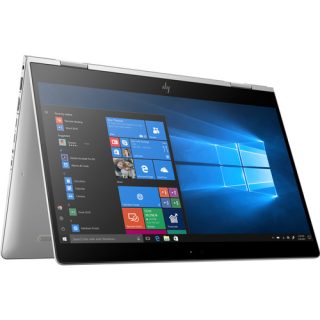 HP 13.3" EliteBook 830 G6 X360 Core i5 Laptop, 16GB/512GB
Original price was: KSh 48,500.KSh 41,500Current price is: KSh 41,500. +VAT
HP 13.3" EliteBook 830 G6 X360 Core i5 Laptop, 16GB/512GB
Original price was: KSh 48,500.KSh 41,500Current price is: KSh 41,500. +VAT
-
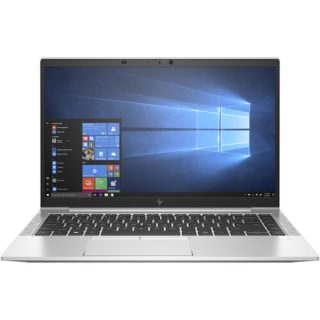 HP 14" EliteBook 845 G7 Ryzen 5 Notebook, 8GB/256GB
Original price was: KSh 39,500.KSh 34,500Current price is: KSh 34,500. +VAT
HP 14" EliteBook 845 G7 Ryzen 5 Notebook, 8GB/256GB
Original price was: KSh 39,500.KSh 34,500Current price is: KSh 34,500. +VAT
-
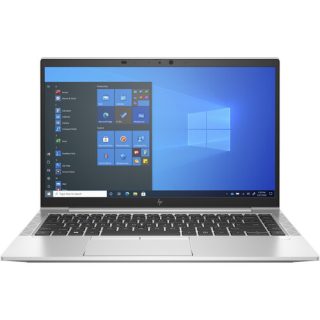 HP 14" EliteBook 840 G8 Core i5-11th Gen Laptop, 16GB/512GB
Original price was: KSh 51,000.KSh 44,500Current price is: KSh 44,500. +VAT
HP 14" EliteBook 840 G8 Core i5-11th Gen Laptop, 16GB/512GB
Original price was: KSh 51,000.KSh 44,500Current price is: KSh 44,500. +VAT
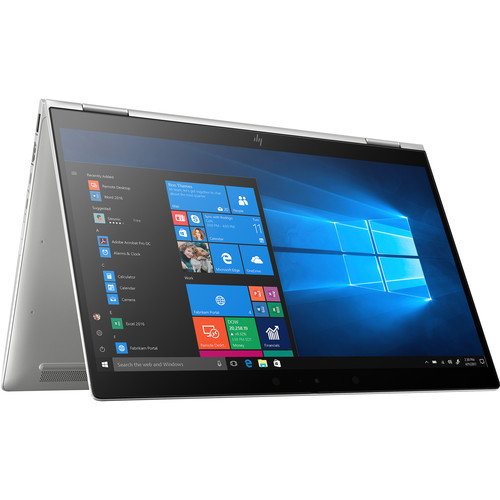
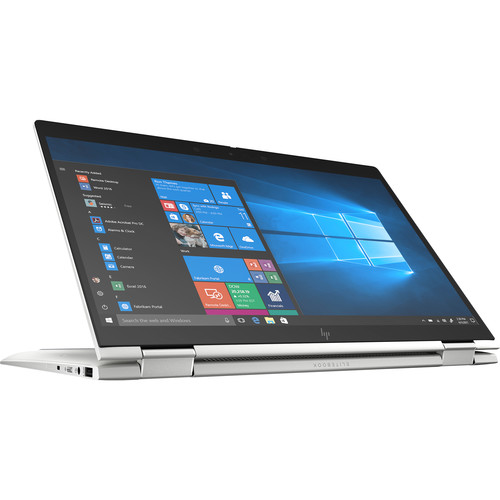
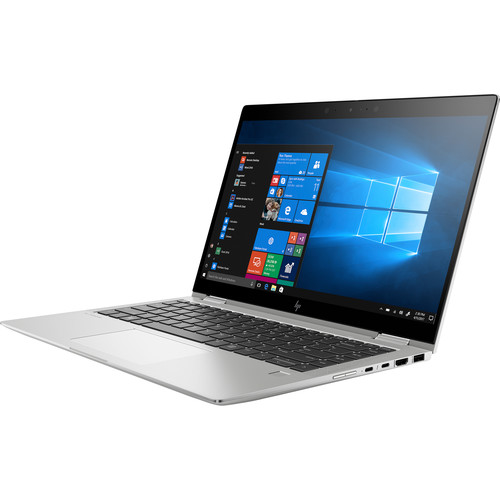
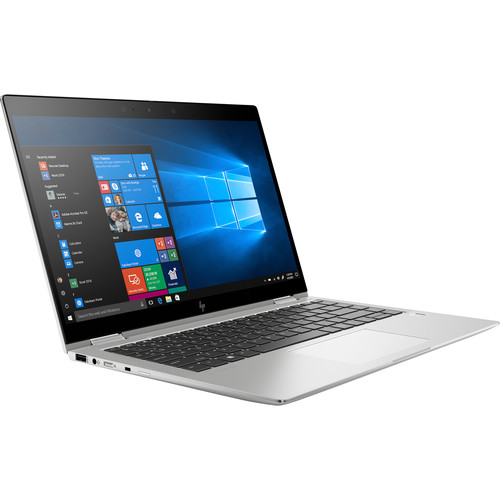
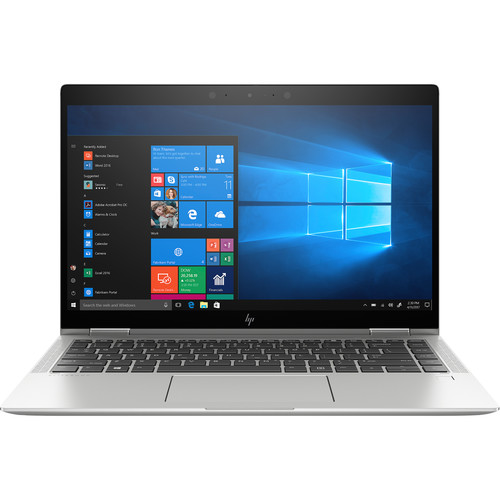
HP 14″ EliteBook x360 1040 G6 Multi-Touch Core i7 Laptop
KSh 52,000 +VAT
When running demanding tasks, the processor can increase to a max clock speed of 4.8 GHz using Intel Turbo Boost 2.0 technology. The 16GB of 2666 MHz DDR4 RAM helps to ensure smooth multitasking.
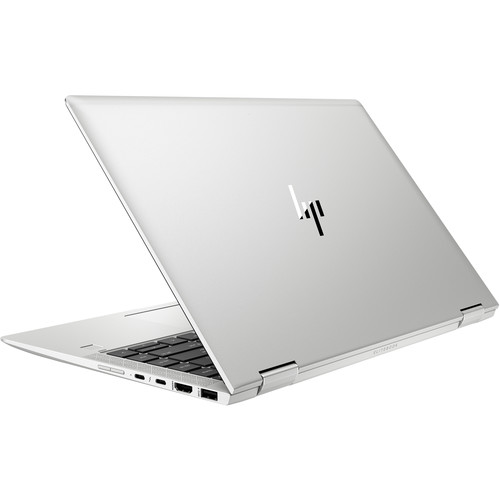
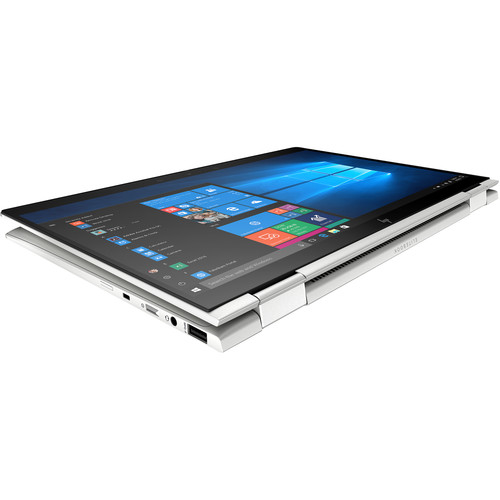
Precision crafted with a unibody CNC aluminum design, the 14″ EliteBook x360 1040 G6 Multi-Touch 2-in-1 Laptop from HP provides built-in privacy, hardened security, and collaboration tools, all in a versatile 360° design that lets you work the way you want. This system is powered by a 1.9 GHz Intel Core i7-8665U Quad-Core processor, which allows you to run multiple applications simultaneously. When running demanding tasks, the processor can increase to a max clock speed of 4.8 GHz using Intel Turbo Boost 2.0 technology. The 16GB of 2666 MHz DDR4 RAM helps to ensure smooth multitasking and also allows the computer to quickly access frequently used files and programs, and system performance is further enhanced by 32GB of Intel Optane memory. Please note that the memory is soldered down and cannot be upgraded.
The 14″ UWVA IPS Sure View Anti-Glare display features a Full HD 1920 x 1080 resolution, a 16:9 aspect ratio, a typical contrast ratio of 2000:1, a refresh rate of 60 Hz, 1000 cd/m2 brightness, viewing angles of 85/85/85/85°, an integrated privacy screen, and multi-touch functionality that is protected by Corning Gorilla Glass 5. The built-in multi-touch functionality allows you to utilize the touch features and functions in Windows 10 Pro to further improve accessibility and productivity. Integrated Intel UHD Graphics 620 delivers a sharp, clear picture, and you’ll also be able to output video to an external display using the HDMI 1.4 output and DisplayPort technology built into the system’s Thunderbolt 3 controller.
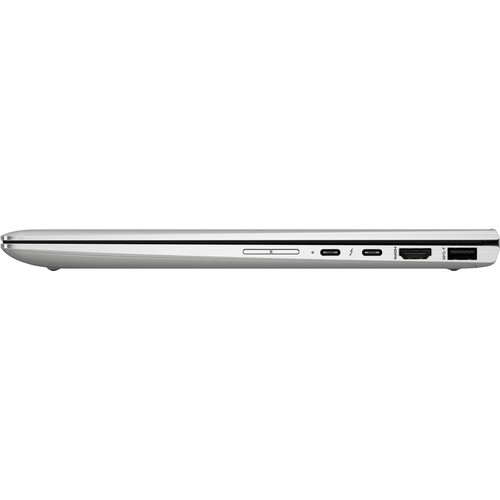
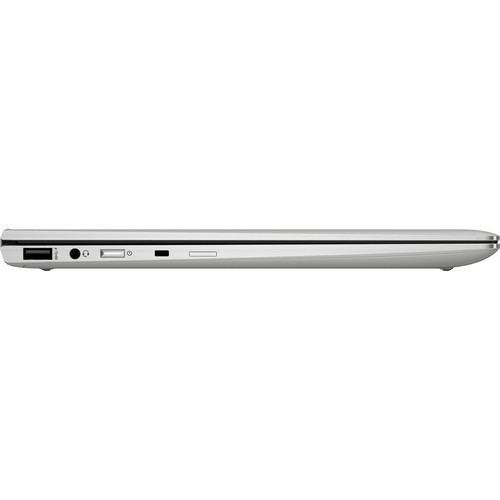
For storage of your files, the EliteBook x360 1040 G6 is equipped with a 512GB NVMe PCIe M.2 SSD. If you want to add external storage, optical drives, memory card readers, printers, and more, there are two 40 Gb/s Thunderbolt 3 connectors, which also support 10 Gb/s USB 3.1 Gen 2, as well as two 5 Gb/s USB 3.1 Gen 1 Type-A ports, one of which doubles as a charging port. Network connectivity may be achieved using Wi-Fi 6 (802.11ax), or take advantage of Gigabit Ethernet for connecting to a wired network using the included USB Type-C to RJ45 cable. Bluetooth 5.0 technology allows you to connect additional compatible peripherals and there is also a 1080p IR webcam with face-detection security and system unlocking via Windows Hello, a touch fingerprint sensor for fingerprint authentication, a three-microphone array, and four stereo speakers with four discrete amps by Bang & Olufsen.
The 14″ EliteBook x360 1040 G6 Multi-Touch 2-in-1 Laptop includes a 3.3′ power cord, a 65W USB Type-C AC adapter that operates using 100-240 VAC @ 48-63 Hz, and a 4-cell / 56.2Wh lithium-ion battery that lasts for up to 24 hours before recharging is required and can recharge up to 50% in 30 minutes. The installed operating system is Windows 10 Professional (64-bit) and protection is provided by a limited 3-year parts & labor warranty.
You may also like…
-
HP OM03XL Laptop Battery for HP EliteBook X360 1030 G2
Original price was: KSh 6,500.KSh 6,000Current price is: KSh 6,000. +VATAdd to cartNew 11.55V 57Wh OM03XL Battery Compatible with HP EliteBook X360 1030 G2 HSTNN-IB70 863167-1B1 Series
-
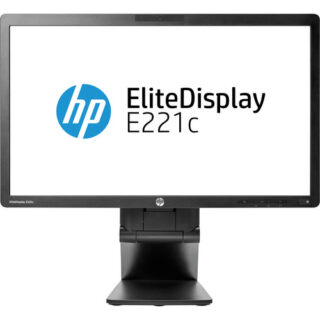
HP EliteDisplay E221c 21.5″ LED Backlit IPS Monitor (Ex UK)
Original price was: KSh 12,000.KSh 9,500Current price is: KSh 9,500. +VATAdd to cartFeaturing an integrated webcam, speakers, and microphones, this LED monitor allows you to quickly connect and collaborate, while optimizing your virtual communication technologies.
-
HP EliteDisplay 21.5″Full HD IPS Monitor, E223 (Ex UK)
Original price was: KSh 14,000.KSh 11,000Current price is: KSh 11,000. +VATAdd to cartThis 1920 x 1080 Full HD resolution monitor features a silver frame and slim bezels with a bright screen that’s ideal for everyday home and office use.
-

LG 34″ Curved Ultrawide WQHD IPS Display Monitor (3440×1440)
KSh 74,000 +VATAdd to cartThe UltraWide™ QHD screen (3440×1440 resolution, 21:9 aspect ratio) is great for work as it can display various programs at once.


Related products
-

TP-Link TL-WA850RE Universal Wi-Fi Range Extender
KSh 3,500 +VATAdd to cartThe TP-Link TL-WA850RE is a compact and efficient wireless range extender designed to boost your existing network coverage.
-

Logitech POP Keys Bluetooth Mechanical Keyboard (Daydream)
KSh 17,500 +VATAdd to cartLet your personality shine with the POP Keys Wireless Mechanical Keyboard from Logitech. Featuring a retro-typewriter design, complete with tactile, scoop-shaped mechanical keys and a relaxing daydream mint color mixed with candy-like lilac, yellow, and white aesthetic, this wireless Bluetooth keyboard is made to put some fun into your typing experience.
-
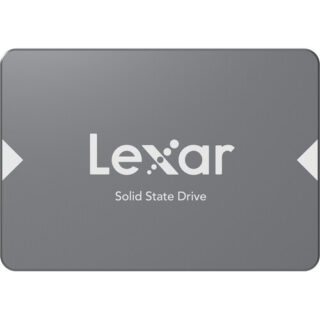
Lexar 1TB NS100 SATA III 2.5″ Internal SSD
KSh 8,800 +VATAdd to cartImprove your system’s performance with the 1TB NS100 SATA III 2.5″ Internal SSD from Lexar, which will provide you with faster startups, application load times, and data transfers, with sequential read speeds of up to 550 MB/s.
-

Logitech K400 Plus Wireless Touch Keyboard
KSh 4,500 +VATAdd to cartThe K400 Plus Wireless Touch Keyboard from Logitech is designed for comfortable, laid-back use on the couch. Plug in its unifying adapter to your TV-connected PC, and you’ll be able to navigate through your system with ease, even up to 33′ away. Moreover, it has a built-in touchpad and hotkeys for your convenience.
Reviews
There are no reviews yet.